tips given not on my profile
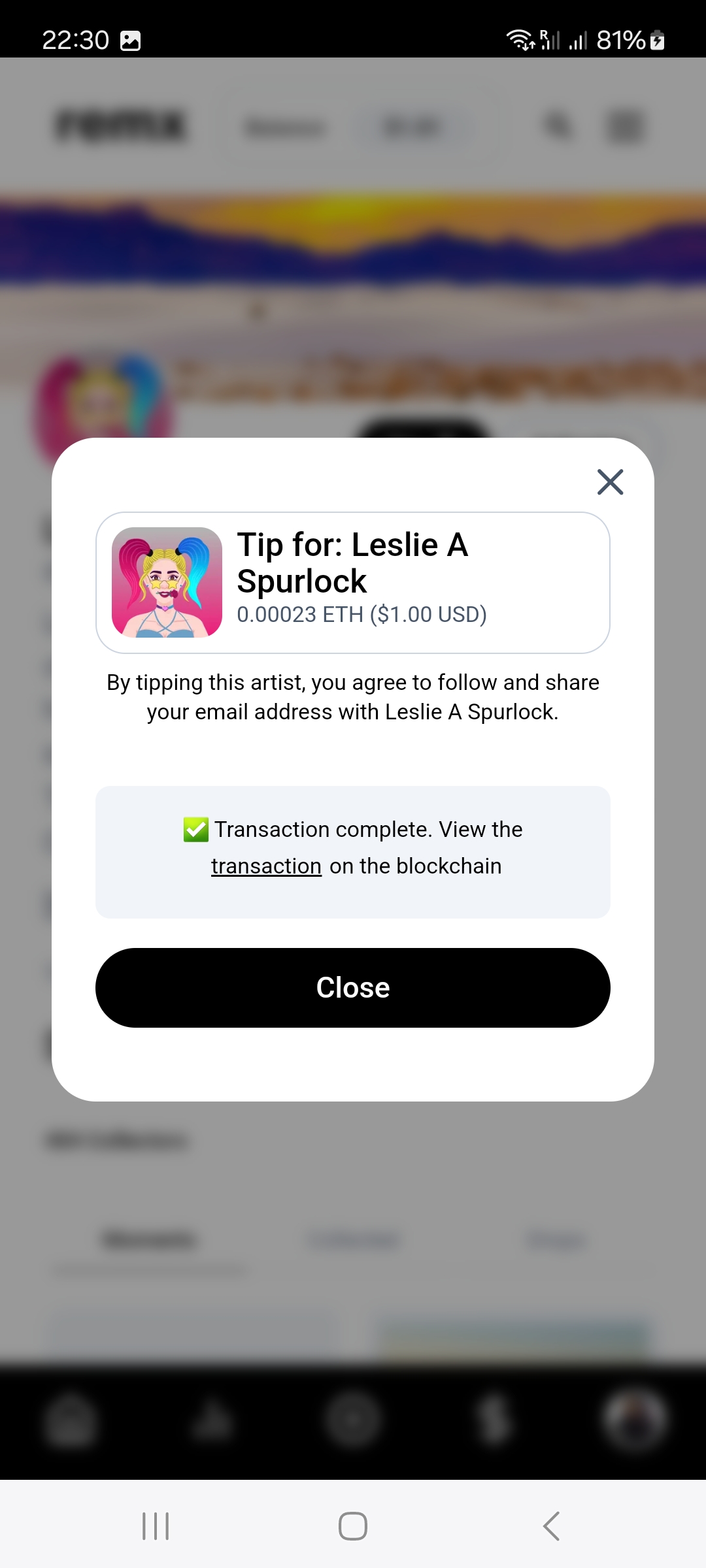
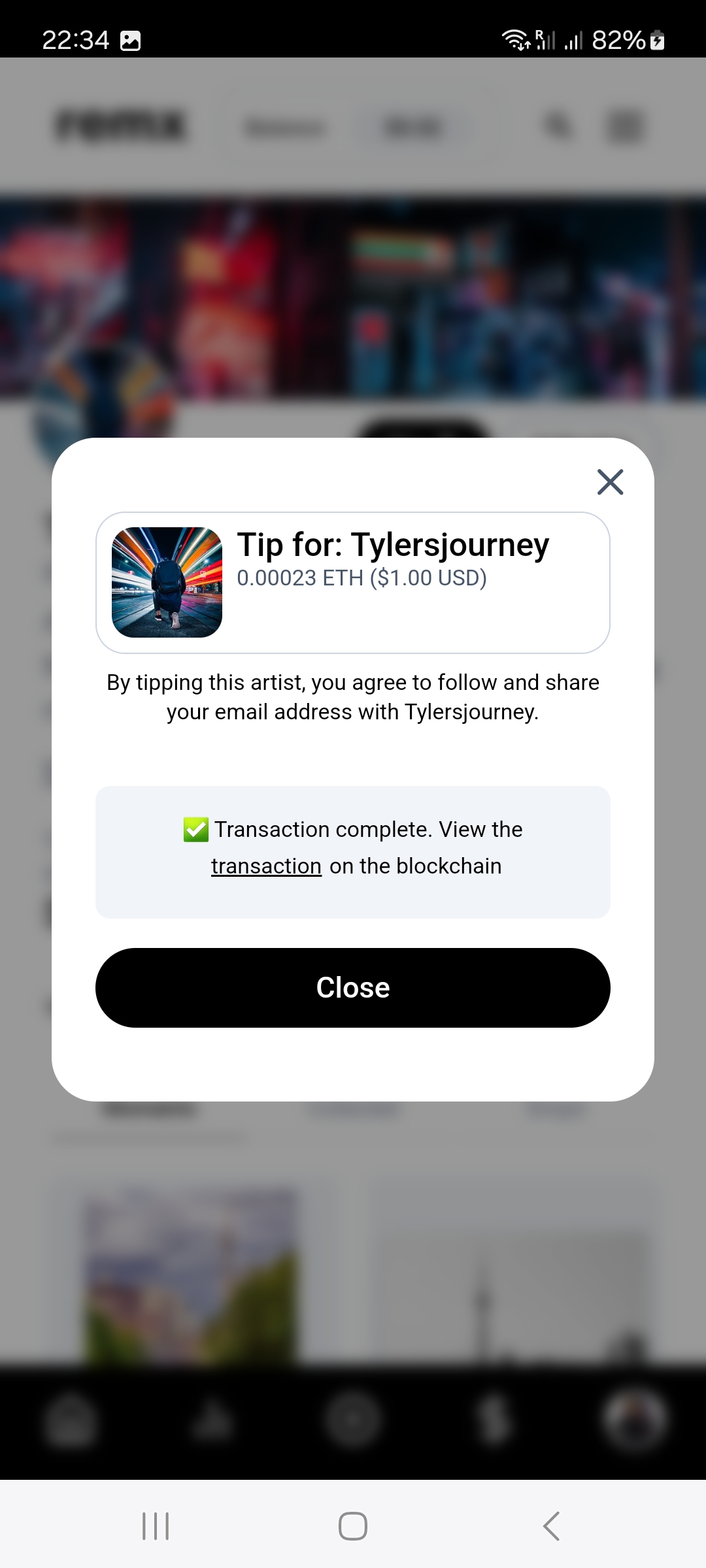
hi, i have given 3 tips over the last 2 days. they dont show on my profile. they went through as successful and i have the transaction ids for 2 of them. i would like to know why it isnt showing on my profile and another question i have -do tips i send show in transaction history or only deposits to my balance?
Log in to comment and vote
Comments41
Chris Arsenault
Dec 9, 2024
Hi helentomkinsart
Are you by chance tipping the artist directly (through their profile page vs tipping while claiming a moment)?
If so, there is bug we are aware of that are not showing the tips given or tips receiving on your profile page. Rest assured, the transactions are being recorded, and the tips are being sent to the artist you sent them to. We will have a fix out for this as soon as we can.
Please let me know if this is actually about tipping through claiming moments, as that would be a different issue we are not aware of that we will have to investigate.
Sorry for the inconvenience!
Helen Elizabeth Art
Dec 9, 2024
hi it was directly tipping on profiles. I tried to tip when collecting but it wasn’t working
Chris Arsenault
Dec 9, 2024
Thanks for the info!
So yes, this is a known bug then that we should hopefully have fixed soon! Once it is, all backlogged tips should just start showing up on your profile in the Tips given section. (Or in the Tips received section if you are the artist recieving the tips)
And just to quickly touch on the tipping not working when collecting, was it today it wasnt working? Or was this Friday/Saturday (there was also a bug relating to that that we put a fix out Saturday afternoon to fix people not being able to claim moments)
Helen Elizabeth Art
Dec 10, 2024
hi Chris, it was 2 or 3 days qgo when the tipping when collecting wasnt working
Chris Arsenault
Dec 10, 2024
Okay that sounds like that was when we were having claiming issues. That should now be fixed and working again. Sorry that you ran into that!
Next time you claim a moment, it should work normally for you again. Please let me know if you have any further claiming issues!
Helen Elizabeth Art
Dec 13, 2024
hi Chris did the missing tips issues get resolved? they didnt show up on my profile yet. I have another issue, do I need to open a different request? its with regards to withdrawing from my balance. its connected to my wallet but renders an error code on the platform?
Chris Arsenault
Dec 13, 2024
Hi Helen
Unfortunately no, it has not be fixed yet. It is something we are working on, but is a little more complicated then we initially assumed. Im hopeful it should be rolled out next week sometime. I will definitely let you know when we do release the fix!
What was the error code it was giving you when trying to withdraw your balance?
Helen Elizabeth Art
Dec 13, 2024
hi Chris ok thanks. the message said “there was an error signing the message, please try again.”
refresh
i tried several times and im connected in my wallet. there is nothing to sign
Chris Arsenault
Dec 13, 2024
Hm strange. Sorry this is happening.
Could you try manually disconnecting your wallet from the site, and then reconnect it? That has helped others in the past. Let me know if that works. If not, I will bring in one of the other developers from the team into this conversation who works more closely with the wallet/funds flow.
Helen Elizabeth Art
Dec 17, 2024
hi Chris it went through ok. I now have another issue. I cant post videos. it comes up with an error message saying it cant upload my thumbnail image?
Chris Arsenault
Dec 17, 2024
Hmm. That could be happening for a bunch of different reasons surrounding the image/thumbnail file.
We should be hopefully putting out a release today (if all goes well) that will 1. fix the tips given/received not showing up properly, and 2. actually remove the need have to upload a thumbnail if adding a video. If you can hold tight, you shouldnt have to worry about the thumbnail anymore soon.
I will let you know as soon as we officially put the release.
Chris Arsenault
Dec 17, 2024
Hi again Helen. The release should be out now. If you try to make a moment now, and upload a video, it SHOULD no longer prompt you to also include a video (as we will now just show the video everywhere on the site where applicable). Please let me know if you run into any further issues with it.
And i apologize, I misunderstood my teammate in regards to the tips given/received fix. It’s not quite ready yet, but hes aimming to have the fix released later today, or tomorrow at some point.
I’ll keep you up to date on that! Thank you for your patience and understanding with everything!
Helen Elizabeth Art
Dec 18, 2024
hi Chris, the video thumbnail is quite important because now it just chooses randomly so if it picks a video frame that has nothing on it people might not even bother to click and watch it. also when posting the links to the videos from remx to social media, no thumbnail comes up , its just a link with no image. a video thumbnail can make a difference between someone watching it or not, hope you dont mind the feedback
Chris Arsenault
Dec 18, 2024
Oh no no, do not mind in the slightest! Feedback is always good! That all makes a lot of sense. I will pass this on to the management team!
And thank you for letting me know about the sharing on socials not working. We were unaware it had stopped working when sharing a video. I’m going to start investigating this right away.
Also, just so you are aware, tomorrow morning at some point we should be putting out a release that will have the Tips Given/Recieved fix in it! (Though I doubt we will have a fix for the videos in socials not working issue though, but maybe a christmas miracle will happen! :) )
Chris Arsenault
Dec 19, 2024
Hey again!
Just wanted to let you know the we put out the release should fix the tips given/received issued. Feel free to check to see if it’s properly updated now for you!
Also I spoke to management regarding the thumbnail stuff and voiced your concerns, and they agreed with the things you brought up. We have decided to go ahead with reverting the changes to it and bring the thumbnail option back. I’ll be working on that today, so I’m hoping to have it in later today or tomorrow, I can let you know about that as well when we do.
Helen Elizabeth Art
Dec 20, 2024
hi Chris, the tips are showing now, thanks. i tried to post a moment (video) but i get an error message each time. the videos already posted can we edit them to add back the thumbnail ? will it affect whats already on chain?
Chris Arsenault
Dec 20, 2024
What is the error you are getting? And is it happening after you try to post the moment? Or when you add the video?
We should be rolling out the revert fix this morning as some point to bring the thumbnails back. I’ll let you know when that happens.
According to the team who works more closely with the blockchain aspect of our site, they said once you update the moment, it will update the collection’s (aka: the moment) metadata which is what is sent onchain. THOUGH some of the sites (like opensea) do sometimes cache that information and you will need to refresh it on whatever sites it is not updating properly on.
Chris Arsenault
Dec 20, 2024
Also if you add any small change to the name or description of the moment (even just adding a period, or removing one in the description), it should also rewrite the metadata for any claimed tokens for your moment that users have so its updated for them as well.
Helen Elizabeth Art
Dec 20, 2024
hi Chris. the duplicated moment has gone now, thanks. when trying to upload it just said an error, I can’t remember the exact message. I tried a couple of times. I will try again tomorrow and let you know if it happens again and the exact error message.
Chris Arsenault
Dec 20, 2024
Thanks Helen!
Also the release with the reverting the thumbnail removal work should be live. When you create or edit a moment with a video, it will once again prompt you to include a thumbnail.
Now small caveat with this being, on our site we are still just showing the video of the moment. The thumbnail is now what is shown when sharing on socials. That being said, I did notice when adding a thumbnail to an existing movie moment that was missing one, that it did NOT update when trying to share on X. I believe this is because it was attempted to have been shared already and the social sites actually will cache things on their end, and not something we can fix ourselves unfortunately. There may be ways for a user to clear the cache themselves, but it would be different site to site. It MAY auto clear its cache after so long as well.
Please let me know if you have any issues with them moving forward.
Helen Elizabeth Art
Dec 20, 2024
hi Chris, thanks. ill try and post a video soon and let you know. I’m waiting to be added to the x group chat again before I mint more moments. I couldn’t see anything on the chat so I removed myself. I contacted remx on x earlier this afternoon so hopefully I should be added soon.
Chris Arsenault
Dec 20, 2024
Actually we were just doing some more testing on the video moment thumbnail sharing, and it still not might be working properly. Some we have tested work, and some have not. We are trying to trouble shoot what exactly is still happening.
I can’t guarantee it will work, but a couple that have worked for me had thumbnails set as .png files so you could try that, but again, cant promise that actually is the solution or if it was purely coincidence.
We will try to get this fixed as we can. We are a little short staffed over the holidays so please bare with us. I really do apologize for the issues and do appreciate you patience through all this!
Helen Elizabeth Art
Dec 21, 2024
hi Chris i just uploaded a video and the thumbnail feature didnt work. it just took the beginning frame which doesnt show much. I went to edit and rechoose the thumbnail again and saved it, but it stayed the same
Chris Arsenault
Dec 22, 2024
Hi Helen
Sorry I’m just a little confused, it took the first frame of the video to use as the thumbnail?
Also when you we rechoosing the thumbnail, did you by chance use the same file? If so there is a small bug I’m aware of that is in my list of things to fix that won’t resave the image if it’s the same file. A quick workaround at the moment to this would be just upload any other image first and then reupload again to trick it to think you aren’t using the same image.
Let me know that works
Helen Elizabeth Art
Dec 22, 2024
hi Chris, yes looks like it took the first frame of the video. I changed the photo for a different one and saved it but it didnt change. I tried it twice.
Chris Arsenault
Dec 22, 2024
That’s very strange, it shouldn’t be grabbing the frame from the video. Are you trying to upload a video for the thumbnail? Or is it trying to grab it from the main video?
Also if you want to try to attach the image in this chat that you are trying to use for the thumbnail, I can try later to see what may be going on.
Helen Elizabeth Art
Dec 22, 2024
hi Chris its an image I’m uploading. It shows the image I chose on the editing page but on my profile it shows the first frame from the video. here is the image
Chris Arsenault
Dec 22, 2024
Thank you for attaching that. Can you also share the link to the moment you are trying to change? I’ll try to update it asap.
Chris Arsenault
Dec 23, 2024
Hi again
I actually just checked all the moments on your profile and all the videos are auto playing as per normal. The thumbnail you are uploading won’t show anywhere on the site. It’s only shown when sharing on a social platform (like X or Farcaster)
Helen Elizabeth Art
Dec 23, 2024
hi Chris ok thanks, so the thumbnail doesnt display on my profile just outside remx? happy holidays
Chris Arsenault
Dec 23, 2024
Correct! 🙂 For now at least, that could change later if management feels thumbnails would be suited better on different parts of the site instead of the videos.
Happy holidays!
Helen Elizabeth Art
Dec 29, 2024
hi Chris, the thumbnail feature doesn’t work off the site when posting on social media and on my remx profile it grabs the first frame of the video. it would be nice if it could use the uploaded thumbnail like they did before, because in most of my process videos the first frame is almost blank so whoever sees my videos scrolling on remx just sees a blank video unless they stay on it for a few seconds.
Chris Arsenault
Dec 29, 2024
I will have to investigate the social sharing aspect as it should be sharing the thumbnail you upload.
As for the Remx profile issue, is the video not auto playing for you? When I check your profile on my phone, all your moments play as soon as I land on your profile. If it isn’t for you, can you let me know if you are viewing it on mobile/desktop and which browser you are using? Maybe there is an issue with a specific browser not respecting the auto playing feature
Helen Elizabeth Art
Jan 4, 2025
hi Chris yes autoplay works for me.
Chris Arsenault
Jan 5, 2025
Okay thanks for letting me know. I will bring this request up to management to see how they would like to handle it.
Chris Arsenault
Jan 6, 2025
I spoke to management this morning regarding the thumbnail feedback, and they will spend some time thinking about how they would like us to handle this. In the meantime, they had me revert the profile page to use the thumbnails again for now (until a better solution arises). If a video is still playing on yours (or anyone elses), it is because a thumbnail was not added during the window where we no longer made then required.
As per management right now, videos will still autoplay on the homepage feeds and on the individual moment page (where you go if you click on a moment in the feed or in a profile)
I am still investigating the issue on why the video thumbnail is not always showing up when sharing a moment on socials, so please bare with me on that still.
Also, if any other issues come up for you, Id recommended creating a new support ticket for it as this one is getting very long and buried. Will just make tracking and finding the ticket easier.
Thanks again for all you patience
Helen Elizabeth Art
Jan 9, 2025
hi Chris thanks for the update, yes i’ll create a new ticket next time, the thread is really long now
Helen Elizabeth Art
Dec 20, 2024
hi Chris i just posted a moment and it did it twice. it was only posted once? how can you delete the duplicate?
Helen Elizabeth Art
Dec 20, 2024
both have the same url and the tips and likes are duplicated.
https://remx.xyz/helenelizaart/drop/ac1017ef-e70e-448e-91d5-67f16c1ca552
Chris Arsenault
Dec 20, 2024
Hi Helen,
This is a bug we are still investigating. It duplicates it visually only as both versions are linked to the same moment. We can delete the duplicate for you. I’ll let you know when we have done that
Chris Arsenault
Dec 20, 2024
Can you see if has been removed now?