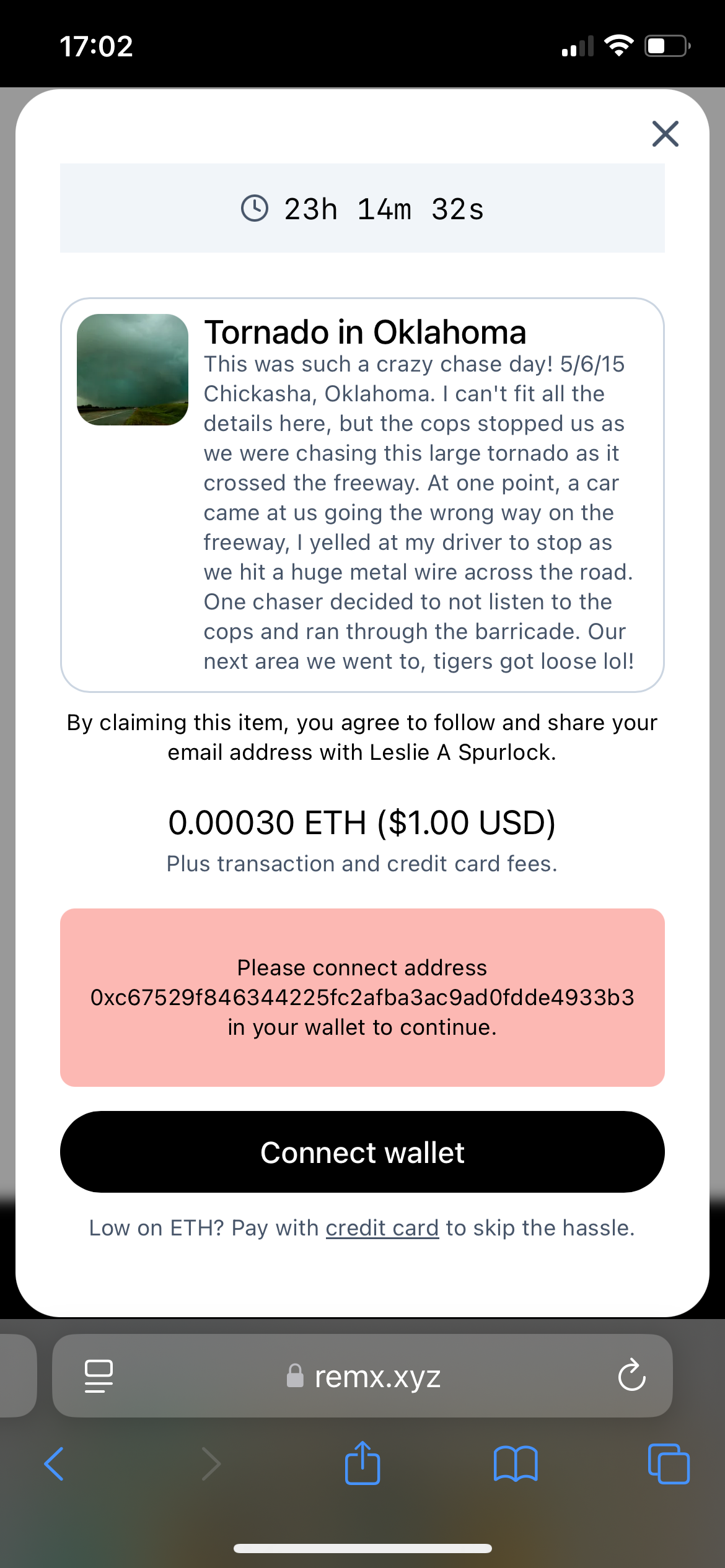
Wallet🐛Report an IssueNov 14, 2024Can’t connect my wallet MetaMask from my iPhone 12( Nothing happens when I press button connect wallet. Posted by nikalaus28 · Nov 14, 2024Status: Completed1 comment1
Log in to comment and vote
Comments1
Paul Spencer
Nov 14, 2024
Hi,
this happens because our application doesn’t think it is connected to your wallet, but the wallet thinks it is connected to the application.
The easiest way to fix this is
Open MetaMask and tap the gear icon in the bottom right
Tap on Experimental
Tap on View Sessions
find the Remx session, press and hold it until you get the option to remove the session.
Reload Remx and then you should be able to connect your wallet successfully.