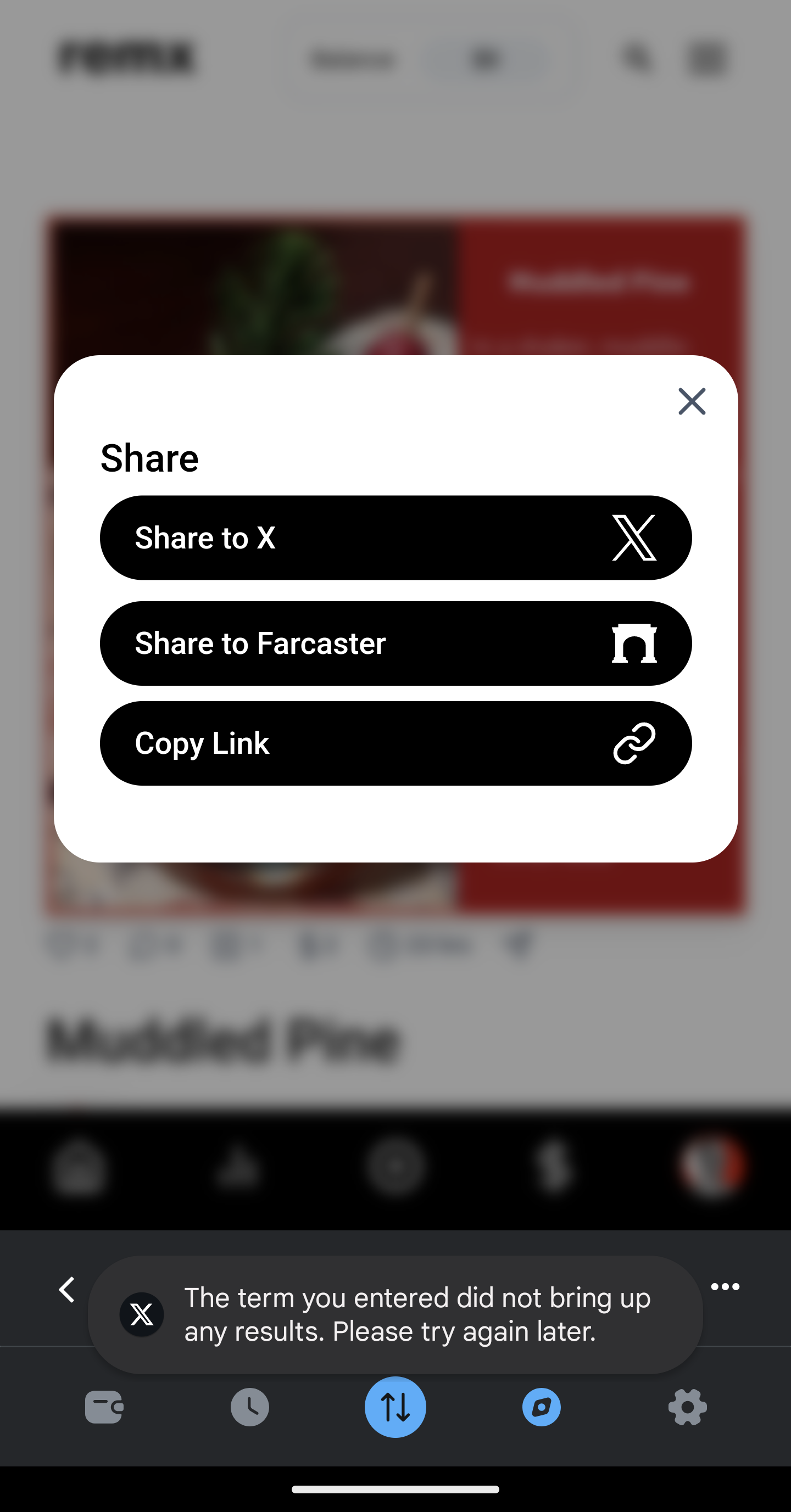
Ive started investigating this issue. I could not seem to reproduce this issue myself at least, and the ‘Share on X’ button was working fine on the MM app for me, and allowing me to share to my X account.
I started researching into the error message you got, and did find articles with people getting the same message on other applications (aside from Remx), and this is the response I kept reading:
“It seems to be a problem related to the twitter app or traffic limited by your internet provider, not the sharing links. Try deleting the cache and data from their official application. Maybe that will do the trick.”
So unfortunately, the issue appears to be laying on the X/Twitter side. You could try deleting the cache and data like they suggested. These were the steps I found to do so:
Tap Settings and support
Tap Settings and privacy
Tap the Storage tab
Tap Media storage
Tap Clear media storage twice to confirm
Select Web storage
Choose Clear web page storage or Clear all web storage
Tap twice to confirm
I hope this helps and solves the issue for you!! Please let me know. Sorry for the inconvenience.
Paul Spencer
Team•
Dec 2, 2024
Thanks for feedback, I’m not sure we can fix this but we will try to investigate.
Log in to comment and vote
Comments2
Chris Arsenault
Dec 2, 2024
Hi omsweetqm,
Ive started investigating this issue. I could not seem to reproduce this issue myself at least, and the ‘Share on X’ button was working fine on the MM app for me, and allowing me to share to my X account.
I started researching into the error message you got, and did find articles with people getting the same message on other applications (aside from Remx), and this is the response I kept reading:
“It seems to be a problem related to the twitter app or traffic limited by your internet provider, not the sharing links. Try deleting the cache and data from their official application. Maybe that will do the trick.”
So unfortunately, the issue appears to be laying on the X/Twitter side. You could try deleting the cache and data like they suggested. These were the steps I found to do so:
Tap Settings and support
Tap Settings and privacy
Tap the Storage tab
Tap Media storage
Tap Clear media storage twice to confirm
Select Web storage
Choose Clear web page storage or Clear all web storage
Tap twice to confirm
I hope this helps and solves the issue for you!! Please let me know. Sorry for the inconvenience.
Paul Spencer
Dec 2, 2024
Thanks for feedback, I’m not sure we can fix this but we will try to investigate.